> ## Documentation Index
> Fetch the complete documentation index at: https://moengage-docs-mcp-segmentation-tool-belt.mintlify.site/llms.txt
> Use this file to discover all available pages before exploring further.
# Why Did the Payload for Card Campaigns Fail to Be Fetched?
> Troubleshoot card campaign payload fetch failures in MoEngage. Ensure campaigns are active, sent to users, and have the Show Card toggle turned on.
## Problem
The payload for Card campaigns failed to be fetched.
## Explanation
For the payload to be fetched:
* The card campaigns must be active.
* The campaigns must be sent out.
* The **Show Card** toggle must be turned on.
## Example
* In the following example, there are two Card campaigns: one is active, and the other is paused. 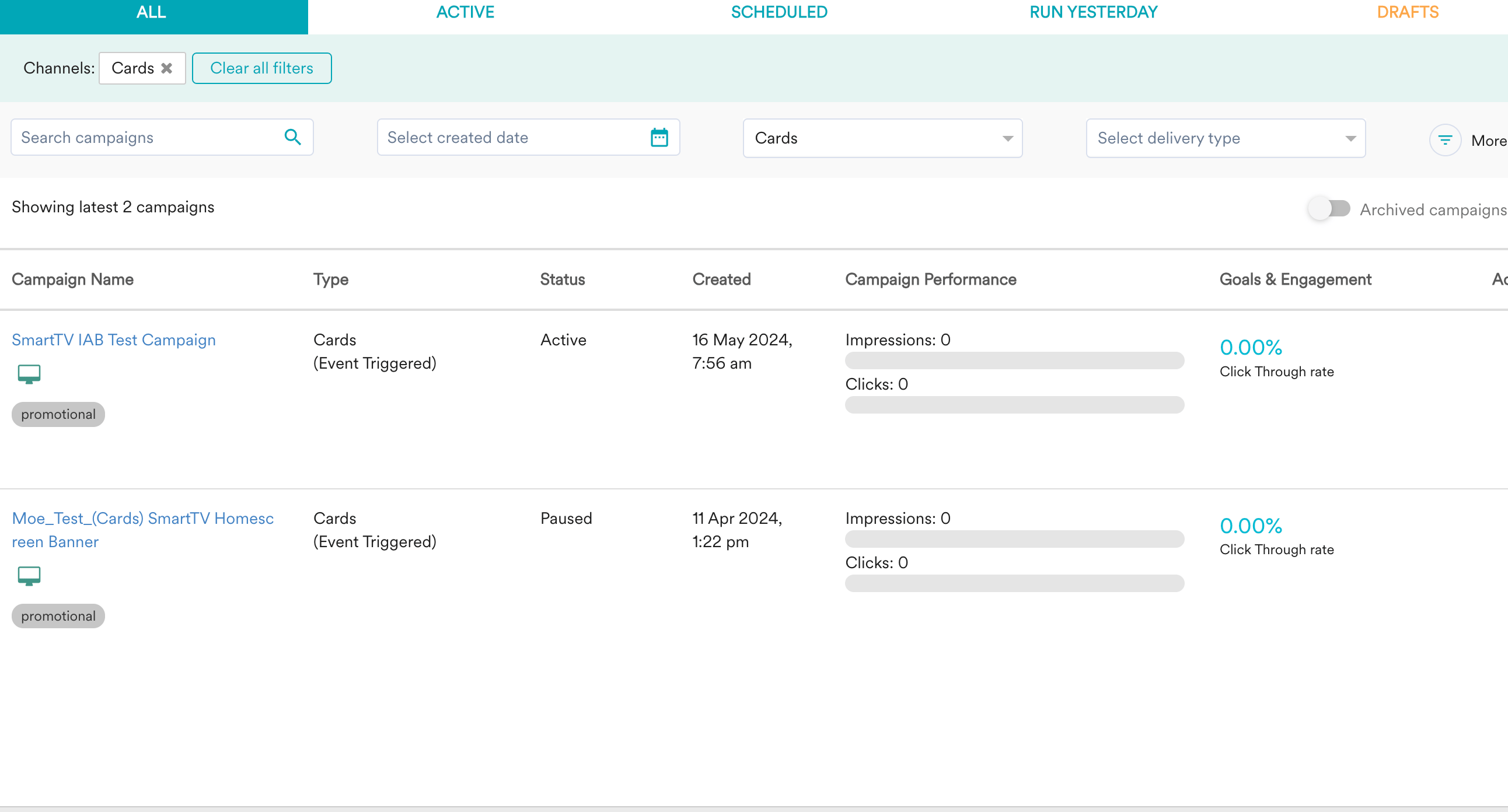 * The sent and delivered counts for the active campaign are 0 because the campaign is not sent to anyone.
 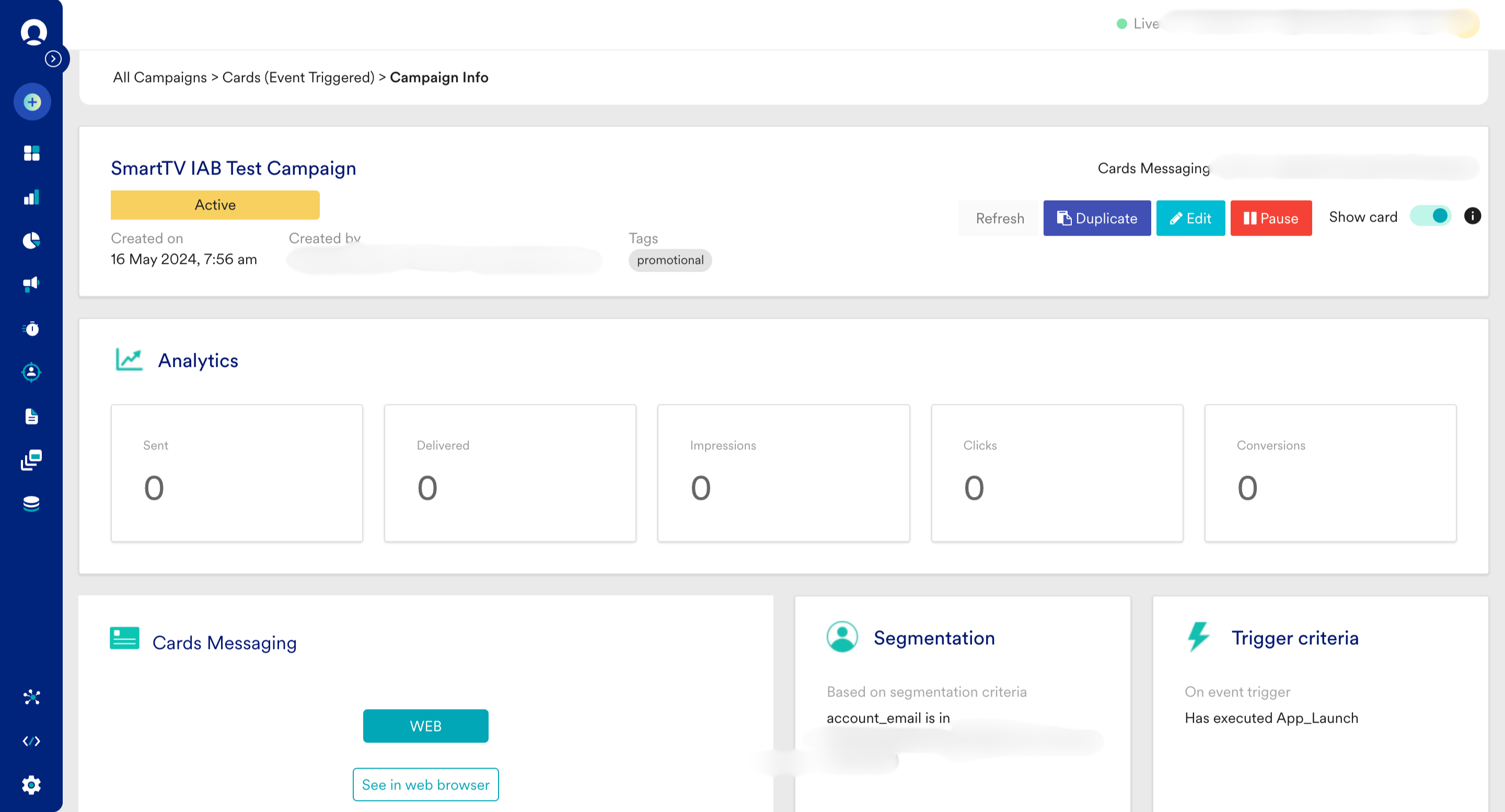 * You can fetch the payload only if the Card campaign is sent and the **Show Card** toggle is turned on.